How to Copy and Paste Charts 5x Quicker (that Look Prettier Too)

Rachael Grocott
Senior Product Designer
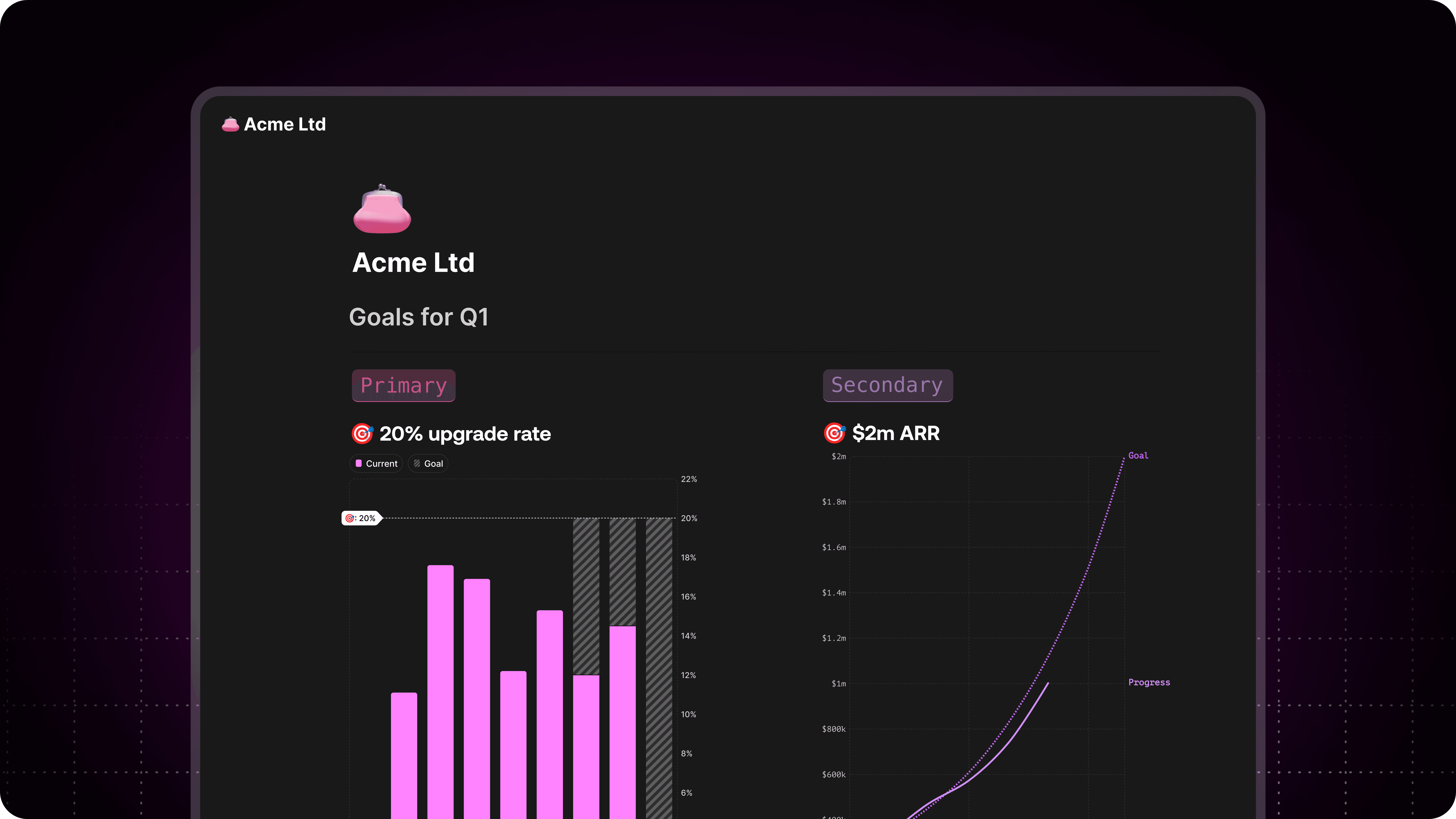
Let’s be honest: we’ve all done the classic copy chart > paste into deck > hope no one notices it’s outdated. It works… sort of. Until the numbers change. Or the formatting breaks. Or someone squints at a blurry PNG and asks, “Wait, what’s this even showing?”
It’s a rite of passage for anyone who’s ever had to report on data. But there’s a better, faster, much less painful way—and yes, it involves skipping the screenshot shuffle.
How to Copy and Paste Charts in Google Sheets (The Traditional Way)
Highlight your chart.
Click the chart once so the blue border appears.
Right-click > Copy or use the trusty Ctrl+C / Cmd+C.
Paste into your destination—Docs, Slides, email, Notion, wherever it needs to go.
Adjust size when the pasted chart looks… not quite right.
Repeat every time the data changes or someone asks for a new version.
Common Frustrations
“Why is it blurry?”
“The colors changed again.”
“I updated the sheet, but the chart didn’t refresh.”
“I pasted it into Notion and now it’s just a sad image.”
“Didn’t I just do this yesterday?”
The Easier Way to Copy-Paste Charts: Use Graphy
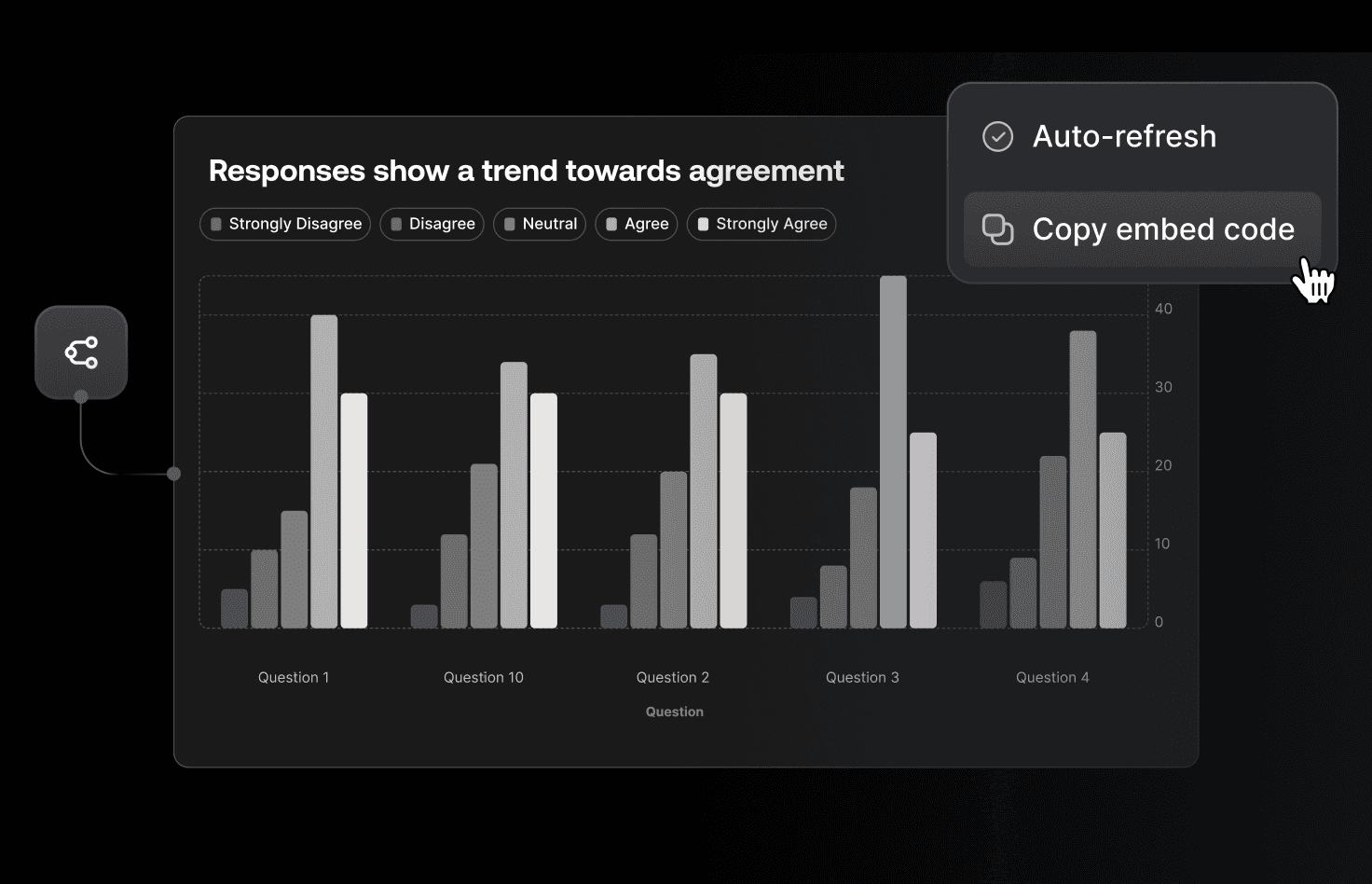
Instead of fighting with formatting, try this:
Upload your data into Graphy (Google Sheet, Excel, or even a CSV URL)
Pick the chart Graphy suggests or choose your favorite
Copy the embed link —and drop it straight into Notion, Slack, a blog, or wherever you need
That’s it. No exporting. No resizing. No version control drama.
Why it’s 5x Better
Copy-Paste Method | Graphy Embed | |
|---|---|---|
Speed | Manual steps every time | 5-minute setup, stays live |
Clarity | Often blurry or misaligned | Crisp, interactive display |
Updates | Needs new screenshot | Auto-refreshes with data |
Sharing | Limited to where you paste | Works in Slack, Notion, anywhere |
Engagement | Static image | Hover + click interaction |
Bonus: It Looks Professional
Graphy charts don’t just save time—they look polished out of the box. Want to match brand colors or tweak the axes? It’s all doable, no design degree required.
Plus, your audience can hover for exact values, click to isolate trends, and explore the data for themselves. That’s not just helpful—it’s the difference between “Looks fine” and “Oh wow, this makes so much sense.”
Try It Yourself
Skip the copy-paste loop. Next time someone says, “Can you send over the latest numbers?” send them a Graphy link instead.
Start a free trial → graphy.app
You might never screenshot a chart again.