Free clustered chart maker
From messy data to beautiful graphs in a click.
Graphy is the fastest way to tell stories with data.








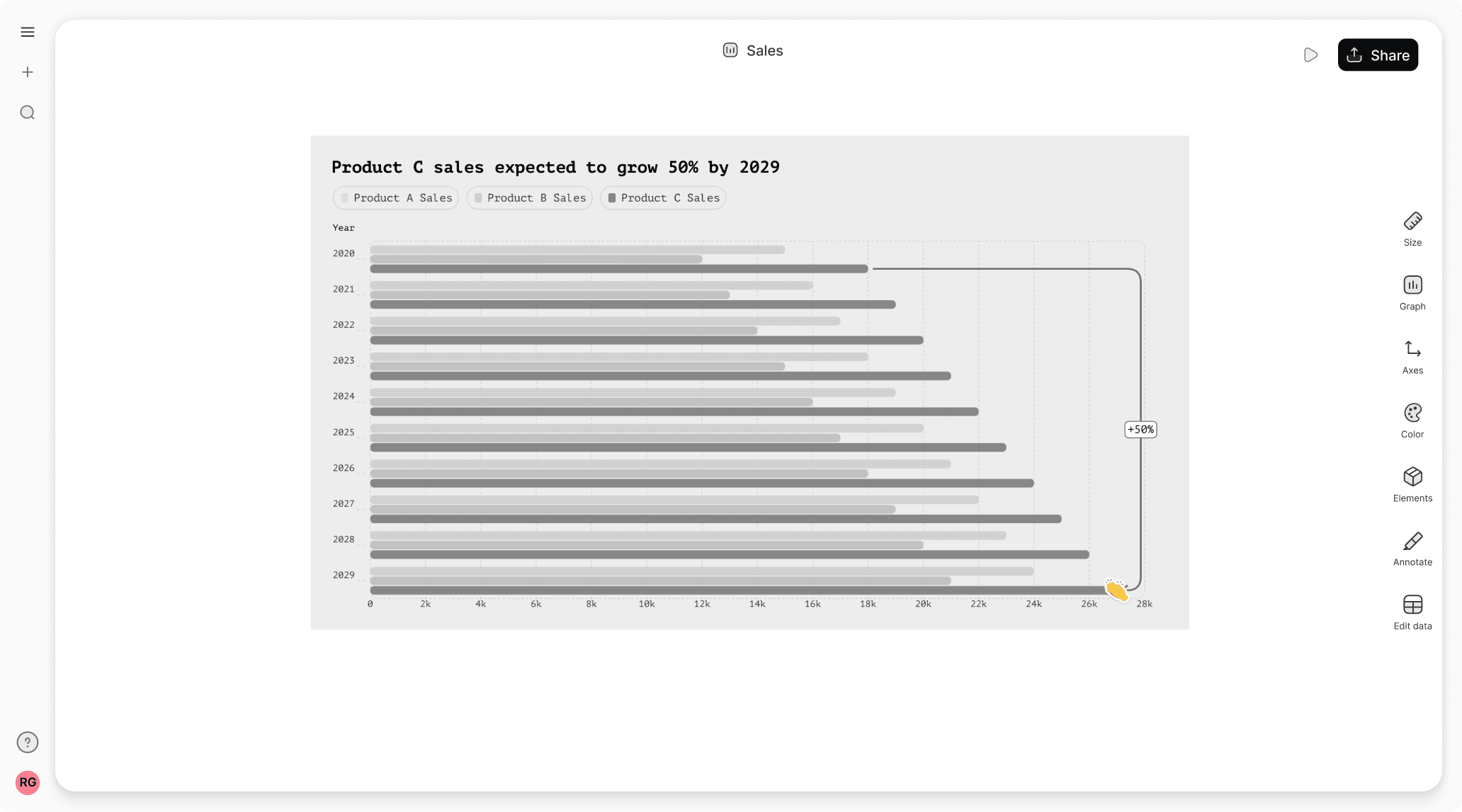
Clustered bar chart templates
Start with one of our pre-made palettes or create a clustered bar chart from scratch.
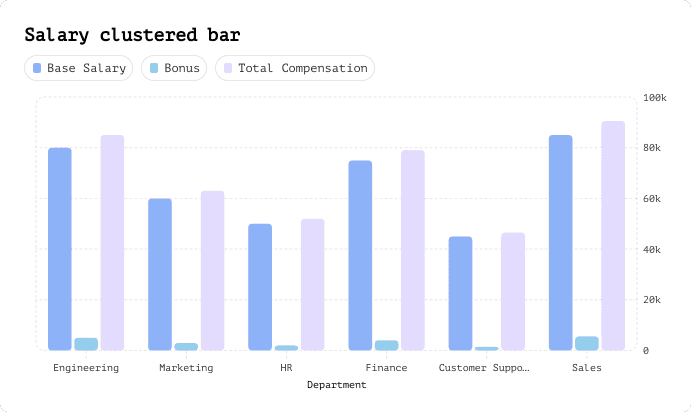
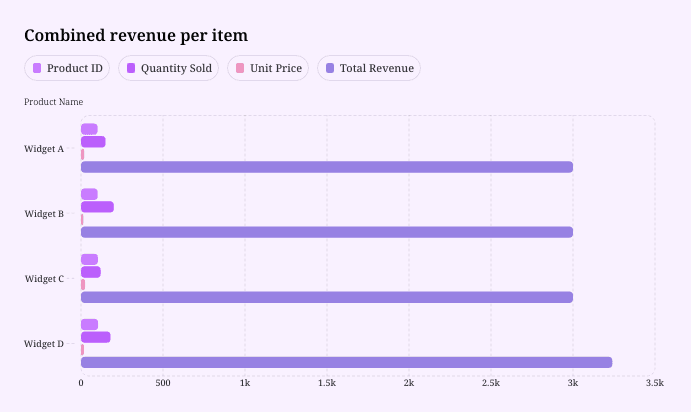
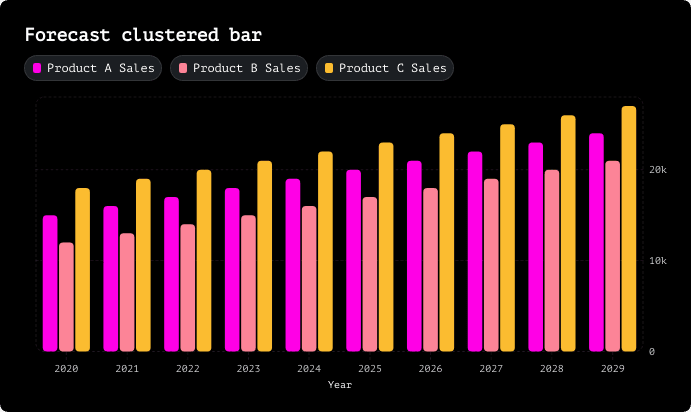




























FAQ
What is the difference between stacked and clustered charts?
Stacked charts pile data series on top of each other to show cumulative totals, making it easy to see the overall sum and how each part contributes to the whole. Clustered charts (also called grouped charts) place bars side-by-side for each category, which is perfect when you want to directly compare individual values across different groups. Think of it this way: use stacked when you care about the total, and use clustered when you want to spotlight the differences between specific data points.
What are the advantages of a clustered column chart?
Clustered column charts make direct comparisons incredibly easy since all the bars start from the same baseline. You can quickly spot which category performs best in each group and identify trends across multiple data series at a glance. They're also super intuitive—most people can understand them instantly without needing a legend tutorial. Plus, they prevent the visual confusion that can happen with stacked charts when you're trying to compare values that aren't at the bottom of the stack.
What is a drawback of using a clustered column chart?
The main downside of clustered column charts is they can get visually cluttered fast, especially when you're dealing with many categories or data series—suddenly you've got a forest of bars that's hard to read. They also don't show cumulative totals, so if you need to communicate the overall sum across categories, you're out of luck. And when you have tons of groups to display, the bars can become so narrow and cramped that comparing them accurately becomes nearly impossible.
What is the best alternative to a clustered bar chart?
If clustered bars aren't working for you, stacked bar charts are the go-to alternative when you want to show composition and totals. For comparing trends over time, line charts usually tell a clearer story. When you're dealing with lots of categories, a heatmap can reveal patterns that bars would obscure. And if you're feeling overwhelmed by the choices, tools like Graphy can analyze your data and automatically suggest the best chart type—then create a beautiful, customized visualization in seconds using AI.
How to create a clustered bar chart in Excel?
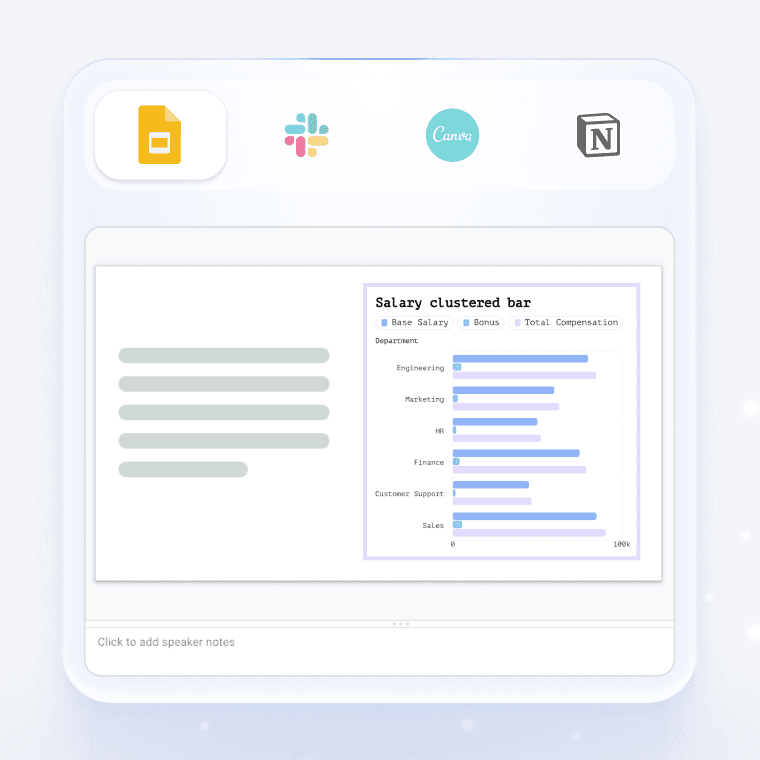
To create a clustered bar chart in Excel, select your data, go to the Insert tab, click on the Bar Chart icon, and choose "Clustered Bar." Excel will generate a basic chart that you can then customize with titles, colors, and labels. But honestly, Excel's default charts can look pretty dated and require a lot of manual formatting to make them presentation-ready. That's where Graphy comes in—just upload your data (CSV, Excel, or even link a Google Sheet), and Graphy's AI automatically creates stunning, professionally designed clustered bar charts that are ready to drop into slides, docs, or social posts in seconds, no formatting headaches required.
Can I create a clustered bar chart with code instead of the visual editor?
Yes. With Graphy's chart API you can describe your clustered bar chart in code (your data plus how you want it to look) and render it in your own app. Don't want to write that yourself? Just describe the clustered bar chart you want in plain English to our Agents API, and it'll generate it for you, ready to render.